
Telegram机器人作为渗透测试框架
- Author : Sofiane Hamlaoui
- 原文链接
- Translator
- 清水Samny
想法来源
当我查看了浏览器书签,然后我注意medium[^1](国外类似于简书的应用)有一篇有关Telegram bot的Hacking&Pentesting的文章。 我看了这篇文章并在我的Twitter帐户上分享了它,然后发现有些CyberSec(或Interested by)喜欢该机器人的想法。
我创建了一个Lockdoor的渗透测试框架,那么为什么不使用我的工具进行相同的测试呢?
更新 : Arbaz Hussain 的工具无法使用了。( 2019/12/15 )
Check it here: https://github.com/arbazkiraak/hackbot
工作原理
这个想法是使用Lockdoor Framework,通过任何Telegram聊天或者信息来实现的。
基本上,它是一款从一个Telegram聊天中执行(指令)工具。当然,在做这些操作之前,您必须先配置和安装工具,然后配置机器人,最后使用它。
安装配置
- 配置和安装Lockdoor Frameword:
首先,你查看这个Lockdoor框架安装指南。
SofianeHamlaoui /锁门框架
🔐Lockdoor框架:具有网络安全资源的渗透测试框架
-
或者直接使用下面命令安装。
$: git clone https://github.com/SofianeHamlaoui/Lockdoor-Framework.git && cd Lockdoor-Framework
$: chmod +x ./install.sh
$: ./install.sh
- 配置和安装Telegram机器人
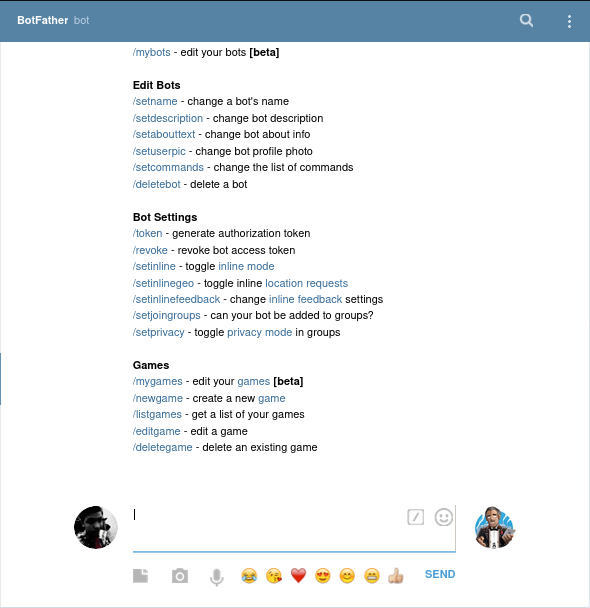
打开访问 https://web.telegram.org/
开始一段会话和我们的机器人之父botfather
创建Telegram机器人
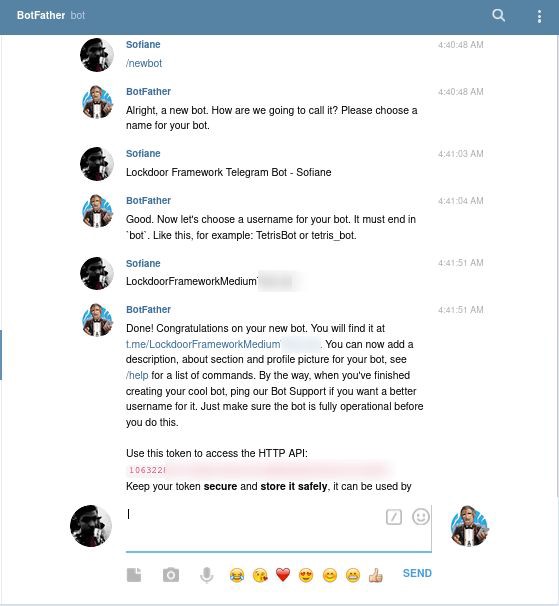
- 输入/newbot 新建一个机器人。
- 给机器人起一个名字。
- 给机器人创建一个用户名。
- 复制保存API
-
配置并运行机器人服务器运行。
Requirements : - python - node-pty - Telegram - Happiness :D -
安装
$: git clone https://github.com/SofianeHamlaoui/Lockdoor-bot && cd Lockdoor-bot
$: npm install
-
开启服务器
$: node server
第一次运行时,会根据问题答案自动创建配置文件config.json。你也可以自己编辑配置,参考config.example.json。
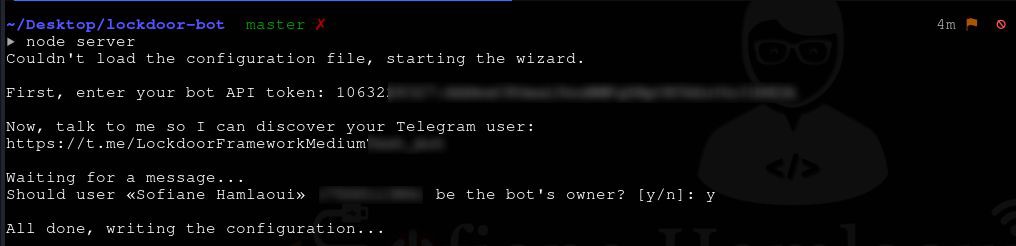
- 在创建Telegram机器人之后复制API token。
- 打开访问机器人给出的链接(https://t.me/X/X/X/X/X/X/X/X/X/)并发送一条消息确认你的Telegram账号是机器人的主人。
-
运行服务器。
$: node server'/%3E%3Ccircle cx='320' cy='180' r='180' fill='%2325c2a0' opacity='.18' filter='url(%23b)'/%3E%3Ccircle cx='910' cy='430' r='240' fill='%235f8fe8' opacity='.16' filter='url(%23b)'/%3E%3C/svg%3E)
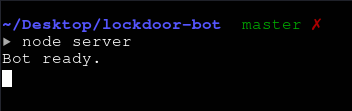
看到这个就代表着机器人运行成功!
-
命令集:
下面列出很多命令方便你使用机器人,或者也可以查看github的repo。run - Execute command enter - Send input lines to command type - Type keys into command control - Type Control+Letter meta - Send the next typed key with Alt keypad - Toggle keypad for special keys redraw - Force the command to repaint end - Send EOF to command cancel - Interrupt command kill - Send signal to process status - View status and current settings cd - Change directory env - Manipulate the environment shell - Change shell used to run commands resize - Change the terminal size setsilent - Enable / disable silent output setlinkpreviews - Enable / disable link expansion setinteractive - Enable / disable shell interactive flag help - Get help file - View and edit small text files upload - Upload and overwrite raw files r - Alias for /run or /enter -
导入命令*
/run - to run a command
/enter - to Send input lines to command
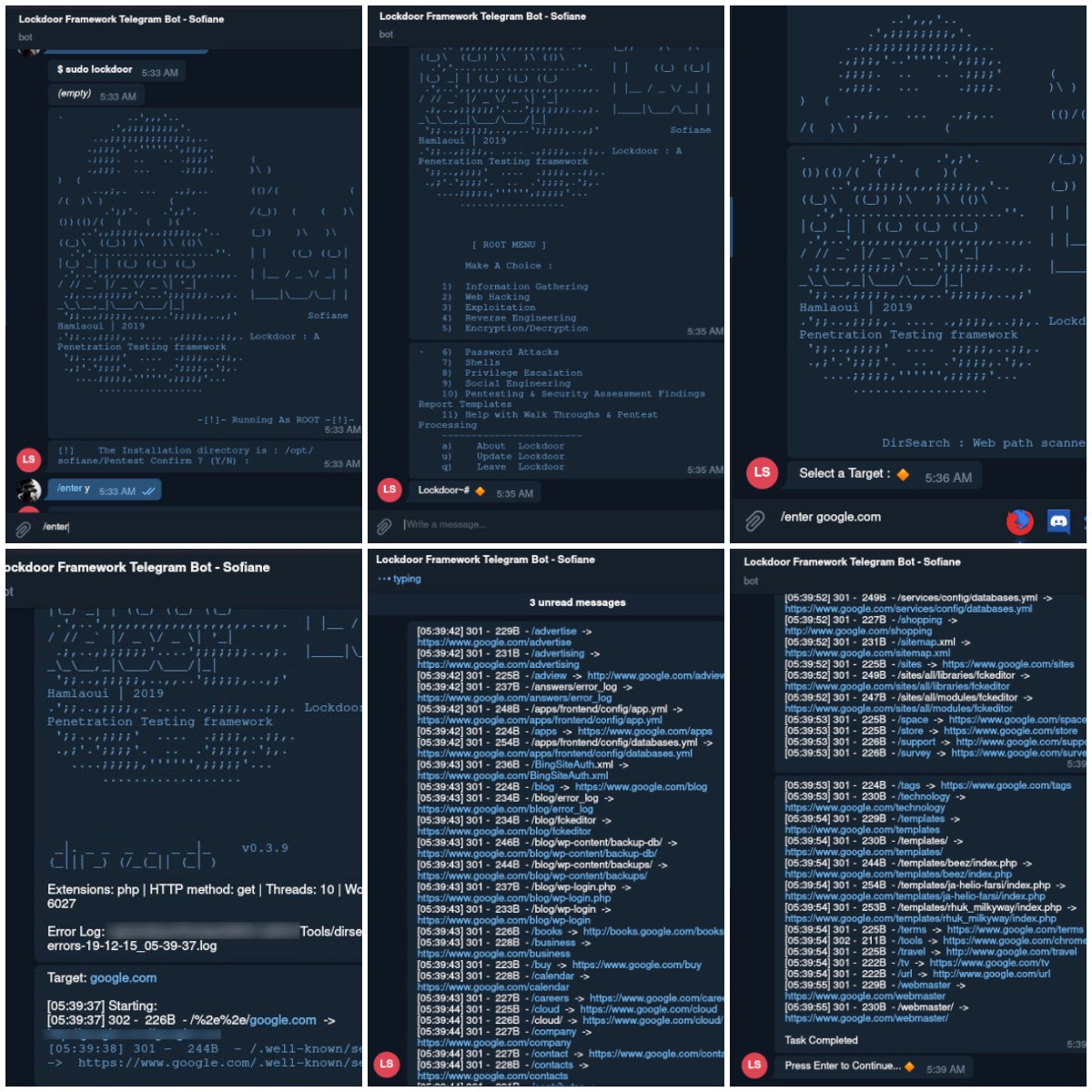
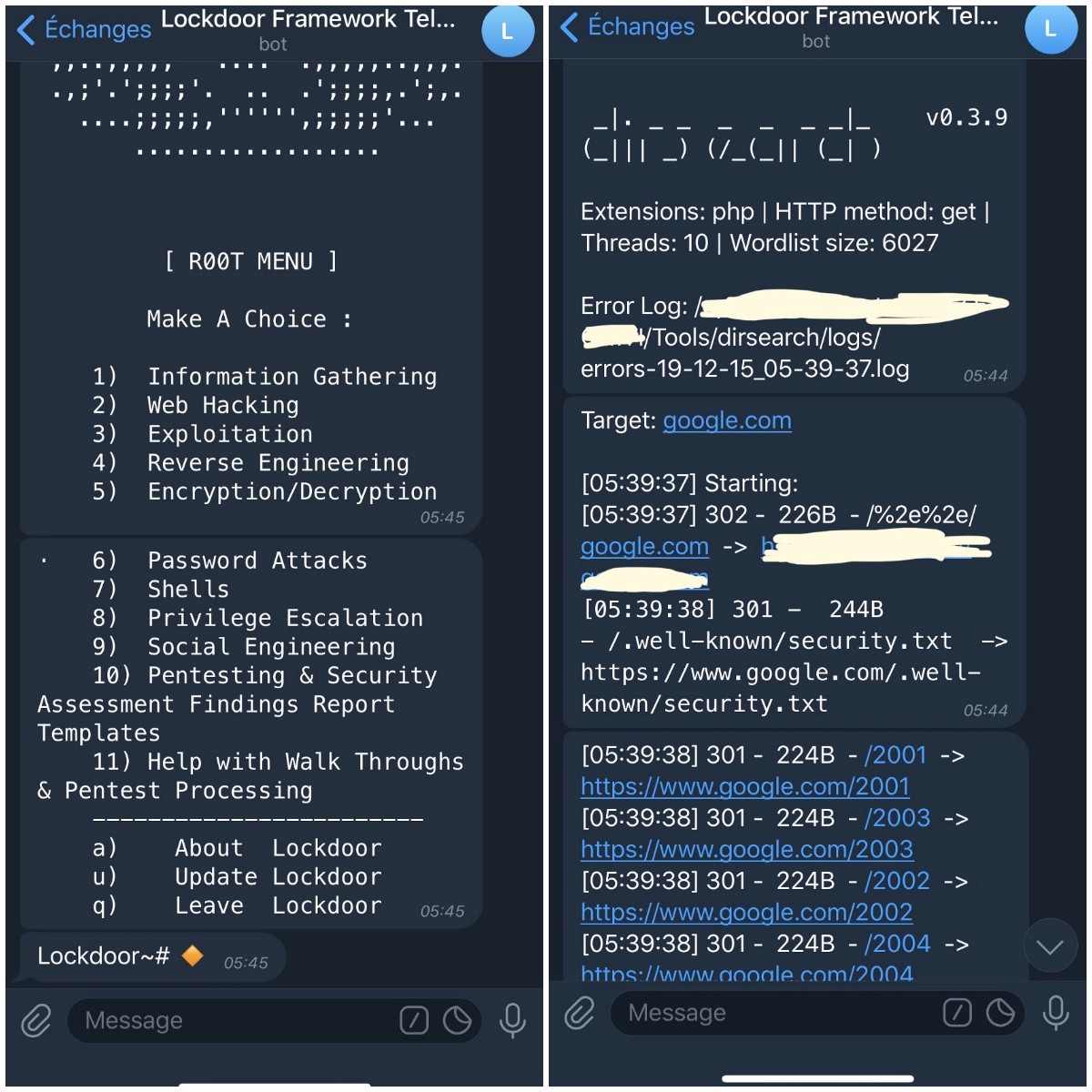
在配置并运行服务器之后,你可以使用Lockdoor Framework 在任何一个Telegram对话或者消息中。
2个选择
Lockdoor Framework需要root权限,你可以做:
-
1> root运行机器人服务器(不推荐)。
$: sudo node server -
2>在Telegram对话中用root权限运行。
$: ( Telegram chat ) : /run sudo lockdoor
NEXT
转到你的telegram机器人聊天输入/run lockdoor (或者 /run sudo lockdoor 如果没有用root启动服务器 )。
最后
你可以查看Lockdoor Framework Github repo 获取更多有关资料。
致谢
感谢 Arbaz Hussain 为这篇文章提供宝贵的想法。
感谢 Alba Mendez ,多亏她的bot-shell,才能成功创作这个Telegram机器人。
评论
使用 GitHub 账号留言,讨论将同步为仓库 Issues。